
CASE STUDY 03 / MULTIPLATFORM APPLICATION
Class Timetable. A changing week, made clear.
School schedules do not always repeat every Monday. This open-source Flutter app helps students and educators follow rotating timetables without turning a simple daily check into a complicated task.
- My role
- Flutter scheduling application and platform release workflows
- Useful for your project
- Mobile and multiplatform applications
The scheduling problem
A useful timetable needs to answer a small question quickly: what comes next? Rotating weeks, different rooms, and exceptions make that harder than a static list of classes.
I built Class Timetable around a date-aware schedule, with weekday navigation and a configurable rotation anchored to a reference start date.
The actual interface
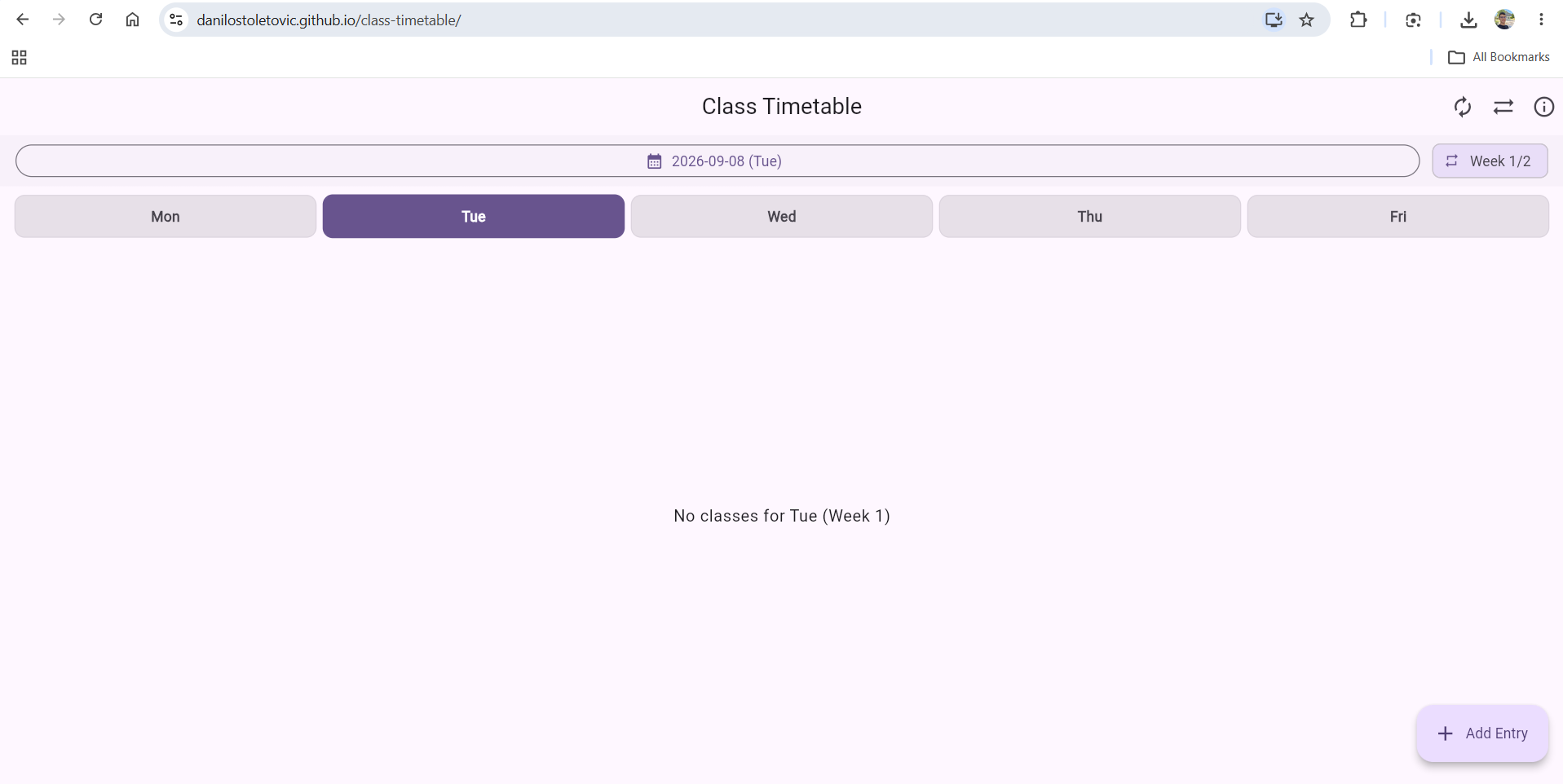
Material 3 keeps familiar controls consistent across platforms. Subject colors, room, teacher, and notes give each class useful context. Current-time highlighting helps identify an ongoing class.
Keeping the calendar and the data useful
Rotations that follow the date
Schedules can rotate over one to eight weeks. A reference start date connects the selected calendar date with the correct rotation week; a date picker lets the user inspect another day.
Portable local data
JSON backup and restore work through files or the clipboard. Users can transfer schedules between devices manually. This is explicit export and import, rather than an automatic cloud synchronization service.
Platform-specific delivery
Flutter shares the interface and scheduling logic. Conditional file-saving helpers handle differences between web and native platforms. Local reminders use flutter_local_notifications. The repository includes delivery workflows for Android APKs, Windows installers and portable packages, and a web build.
What the project demonstrates
The project connects a compact everyday interface with calendar logic, local notifications, portable data, and platform-specific packaging. GitHub Actions release workflows prepare the different artifacts from a shared codebase.
The central lesson is to share the parts that should behave consistently while treating file access, notifications, and packaging as platform concerns.
Explore Class Timetable
Read the source and release documentation ↗
Have a daily workflow that needs a focused app? Tell me who uses it and what they need to do.
Discuss your project ↗